Madrun Server StatusNo problems detected

OPERATIONAL
0 reports in the last 24 hours
Downtester alerts
14-day trial. No card required.

Know the moment it breaks

Instant email and push alerts when this service goes down, degrades, or recovers. Monitored from real user reports, not a ping bot.

VIEW PLANS

Start your 14-day trial. No card required.

2 players online
0%
Peak: 0
21mo ago

Madrun Is Operational · All Systems Normal

Madrun is fully operational with no issues detected. All systems are running smoothly. Check this page for real-time Madrun server status updates.

Report a Problem

Select the type of issue you're experiencing:

Live Player Statistics

Updated 21mo ago
Current Players
2
0%
24h Peak
N/A
All-Time Peak
N/A
0
No Preview Available
Madrun Cover

Madrun

Publisher & Developer
Release Information
Release Date: February 29, 2020

Madrun Server Status & Outage Tracker

Monitor Madrun's service health in real-time. View current system performance, active outage reports, and regional impact data to stay updated on service stability across all regions.

Outage Reports

0

0 reporting browser sessionsLast 24h

0

0 reporting browser sessionsLast hour

Main Issue (24h)

Gameplay

Gameplay
0 reports

Player Statistics

2

0%

Current players online

24h Peak0
All-Time Peak0
0
Incident history
24 HOURS AGONOW

Each segment is classified from real user reports using our default thresholds: an hour with 20 or more reports is marked as an outage, 6 or more as degraded. Hover any segment for the exact report count.

About Madrun

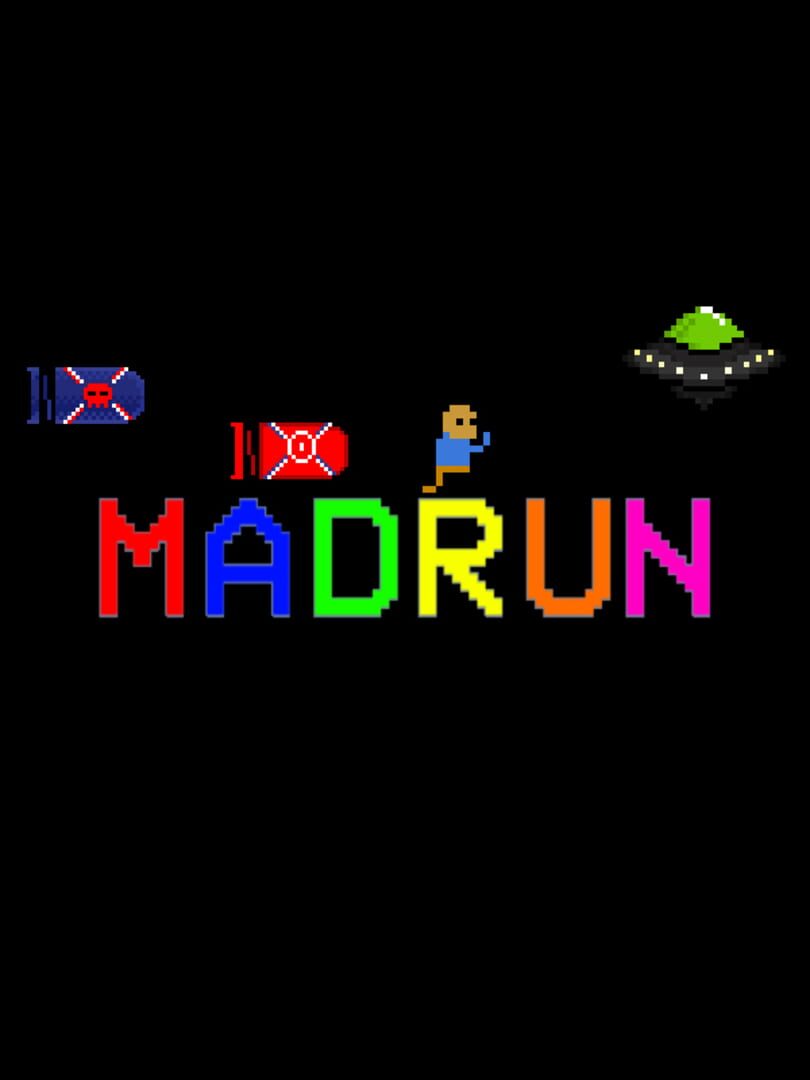
-Gameplay The game consists of 20 levels, each with their own themes, gimmicks, and difficulty. Each race is unique. No matter how many times you play any level, a new race will never be the same. Racing is separated into three modes: Online VS, Local Duel, and Time Attack. In Online VS, you can connect and race with up to 7 other players. The bigger the room, the more chaos and destruction... In Local Duel mode, you can race offline against a friend on the same device on split-screen. The default controls are recommended (player 1 on WASD, player 2 on arrow keys). In Time Attack mode, you can race offline alone for the best record in every level. -Menu Navigation The title screen allows you to choose between the three racing modes, settings, credits, and help. The settings menu has multiple functions. First, you may change your controls. The Online Mode toggle allows you to choose between playing with players from all over the world or just from your region. You can turn on or off player names during online races and the minimap. Lastly, you can switch between full-screen and windowed mode. The help menu explains the functionality of each item in the game. The credits menu lists the contributors who made this game for you. In the Online VS menu, you can host a public room (anyone can join), host a private room (only players who know the exact room name can join), join anyone's public room, or join a private room with the correct room name. Once in a room, you'll be able to chat with the other players, and the host decides when the game will start. After the room starts, all players will vote for a level to race in and a vote will be chosen randomly. Then it's time to wreak havoc and race to the flag! While racing, you can press Enter to pause the game. In Online VS and Local Duel, you can either continue the match or quit the match from the pause menu. In Time Attack, you can also retry the level from the start. -Controls The default controls are A and D for running, W for jumping, and S for item. For player 2 in Local Duel, the respective controls apply to the arrow keys. You can navigate the menu with your mouse. You can change the key bindings to anything of your preference in the settings menu. -System Requirements This game can be played on Windows, Mac, or Linux systems. You'll need a x64-based system to play the game. Systems older than Windows 7 and MacOS X 10.8 are not recommended. Your GPU needs to support OpenGL 3.2 or newer. The game doesn't require a lot of processing power or memory. Systems that can run Chrome are sufficient for the game.

Live Server Status - Last 24 Hours

Track real-time Madrun server status and outage reports with our live monitoring system. Our advanced detection algorithm analyzes submitted connection problem reports, server issues, and service disruptions across the last 24 hours. By comparing current Madrun server performance against historical data patterns, we instantly identify potential outages when report volumes exceed normal thresholds. Whether Madrun is down for maintenance or experiencing unexpected connectivity issues, our status tracker provides accurate, up-to-the-minute updates on service availability and network status.

Outage Reports

What problems are you having with Madrun?

Madrun Incidents

0

Last 24 hours

Current Hour

0

0% vs previous 15 min
Madrun Primary Problem

Gameplay

0 reports (0%)

Madrun - Top Reported Problems (Last 24 Hours)

connection

0

0% of total reports

performance

0

0% of total reports

login

0

0% of total reports

gameplay

0

0% of total reports

User-reported outages
More services under watch

Comments

0 comments

Join the conversation

Sign in to share your thoughts and connect with the community

No comments yet

Be the first to share your thoughts!